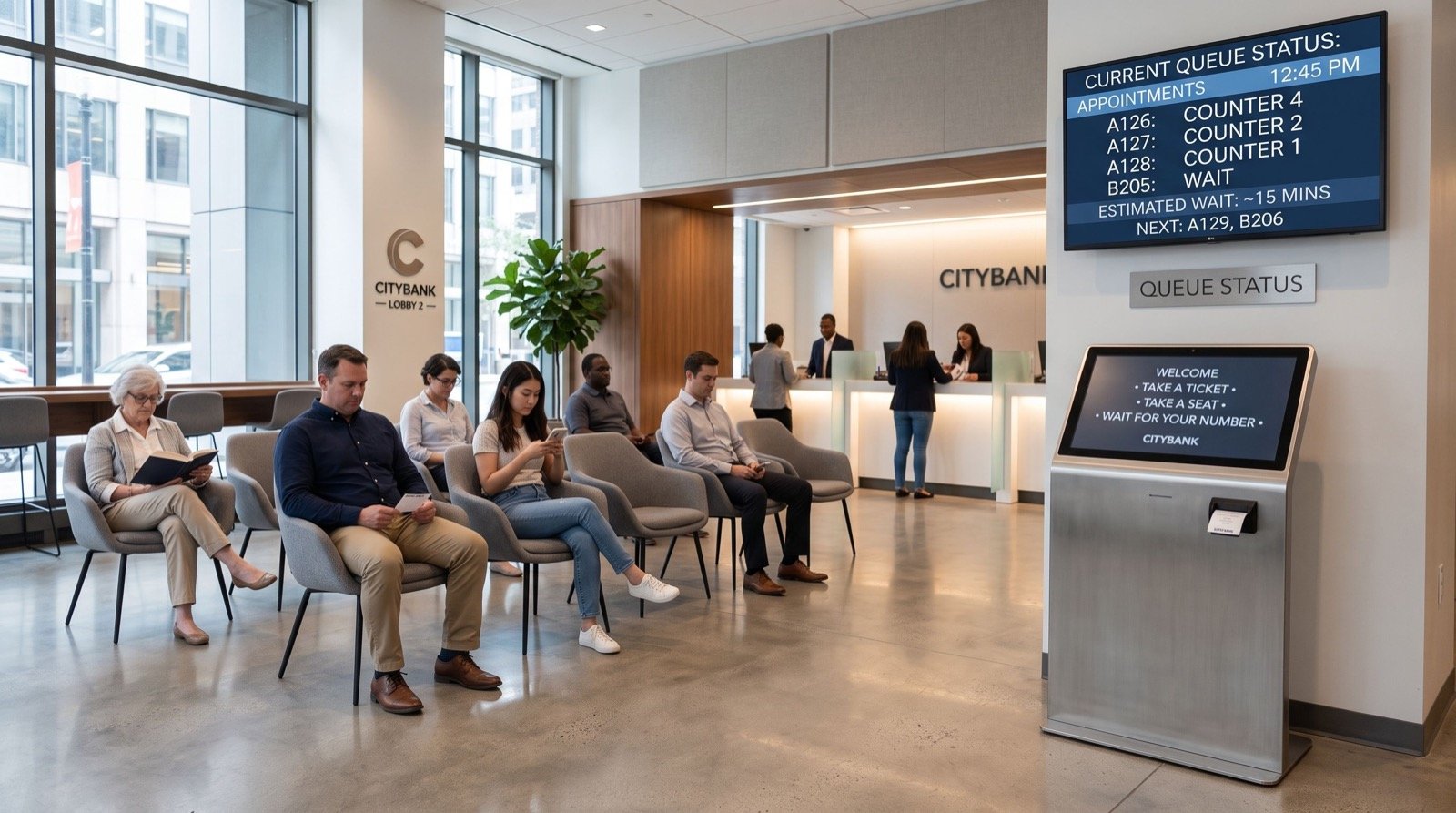
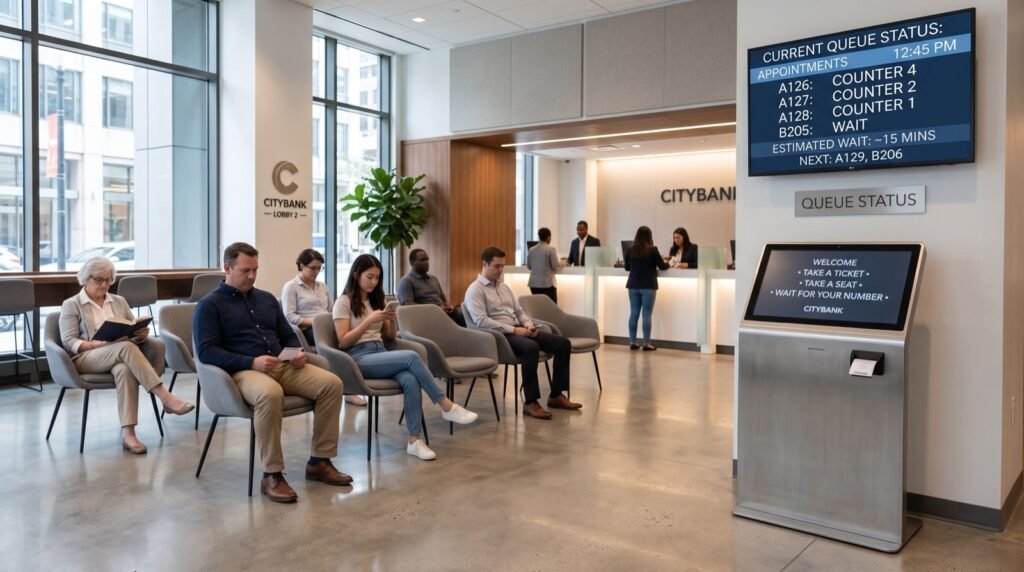
If you run a clinic, bank branch or government service counter, you already know that a crowded waiting area costs you more than floor space. Choosing a queue management system in saudi arabia is one of the quickest ways to turn that chaos into a calm, measurable flow. In 2026, customers expect a ticket, a screen and a clear estimate of their wait time.
This guide walks through what to look for, what it costs you in time and effort to deploy, and how to avoid the mistakes we see most often. It also covers the small hardware choices around the queue, such as staff attendance, that quietly decide whether the project succeeds.
Why Queue Management Matters More in 2026
Saudi Arabia is digitising public and private services at speed under Saudi Vision 2030. Citizens now compare every counter with the best app they use. A paper-number dispenser and a shouting receptionist feel dated next to that.
Good queue software does three jobs at once:
- It gives each visitor a fair, visible place in line.
- It tells managers where the bottleneck sits, by hour and by service.
- It frees staff from crowd control so they can focus on the person in front of them.
In our experience, branches that add a ticketing kiosk and display screens see walk-away rates fall noticeably within the first month, simply because people can see progress.
What Is a Queue Management System and How Does It Work?
A queue management system is a mix of software and hardware that issues tickets, routes visitors to the right counter and records every step. The visitor takes a ticket from a kiosk, a mobile app or a QR code. The system adds them to the right service line.
When a counter becomes free, the operator presses “next”. A display screen and an audio announcement call the number. The software then logs the waiting time and the service time.
Core components
- Ticket kiosk or mobile check-in: where the visitor picks a service.
- Operator console: the staff screen for calling, transferring or recalling tickets.
- Display and audio: big screens and speakers in the waiting hall.
- Reporting dashboard: averages, peaks and staff performance.
Features to Compare Before You Buy
Many vendors list the same headline features. The details are what separate a useful system from a frustrating one. Use the table below as a starting checklist when you request quotes.
| Feature | Why it matters | Priority |
|---|---|---|
| Arabic and English interface | Visitors and staff both read the screens daily | Essential |
| Multi-branch reporting | Compare Riyadh, Jeddah and Dammam in one view | High |
| SMS or WhatsApp alerts | Lets people wait outside or in the car | High |
| Appointment booking | Smooths peaks and cuts walk-ins | Medium |
| Customer feedback buttons | Captures satisfaction at the counter | Medium |
| Local support and spare parts | Keeps downtime to hours, not weeks | Essential |
How Much Does Queue Management Cost?
Prices depend on the number of counters, the size of the screens and whether you want software only or a full kiosk setup. A small clinic with two counters may spend a fraction of what a multi-branch bank pays. Always ask for a line-by-line quote that separates hardware, licences, installation and annual support.
One practical tip: price the project per counter per year over three years. That single number makes vendor quotes far easier to compare, and it exposes hidden recurring fees.
Common Mistakes to Avoid
Skipping the floor walk
Before you buy, stand in the waiting area for two peak hours. Note where people gather and where a screen will actually be visible. Many hall layouts defeat screens that look perfect in a brochure.
Ignoring the staff side
Operators need training on transfers and recalls. If they ignore the console and call people by voice, your data becomes useless within a week.
Forgetting attendance and access control
Queue targets only work when the right people are at their counters on time. Many organisations pair the queue project with biometric attendance. If you are budgeting for that too, it helps to check Finger scanner devices prices in pakistan as a reference point for compact USB fingerprint readers and to see the specifications worth demanding.
A Simple Rollout Plan
- Map your services and group them into three to six clear categories.
- Measure your current average wait for one normal week.
- Choose the kiosk, screens and counters you need per branch.
- Pilot in a single branch for two weeks and gather staff feedback.
- Roll out to the rest, then review the dashboard monthly.
When you hire an installer, look for reputable service experts who can show finished installations and who will still answer the phone after go-live. Reference visits are worth the extra day.
Real-World Scenarios: Clinic, Bank and Government Counter
A busy private clinic
Patients arrive for consultations, lab work and pharmacy pickup. Three service categories on the kiosk stop lab visitors from joining the doctor’s line. Reception staff stop answering the same question about “how long?” because the screen answers it.
A retail bank branch
Here the key feature is priority handling. Business customers, seniors and appointment holders can be routed to dedicated counters. Managers then see which segment waits longest and adjust staffing before lunchtime peaks.
A municipal service centre
Government counters often handle document-heavy services with long transaction times. Estimated waiting times and SMS calls let applicants step outside or wait in the car instead of filling a hall. This improves comfort in the summer heat and reduces tension at the doors.
Across all three, the lesson is the same. Configure the system around the real journey of your visitor, not around the default settings. Spend an afternoon with your front-line staff drawing that journey on paper before you touch the software.
Frequently Asked Questions
How long does installation take?
A single-branch setup usually takes one to three days, including configuration and staff training. Larger multi-branch projects are normally staged branch by branch.
Can a queue system work without internet?
Yes. Most on-premise systems run on the local network, so tickets and calls keep working. Cloud reports then sync once the connection returns.
Does it help small businesses or only large ones?
Small clinics, pharmacies and service centres benefit just as much. Even three counters gain from fair ordering and visible waiting times.
What should I measure after launch?
Track average wait time, average service time, abandoned tickets and peak hours. Review them weekly for the first month, then monthly.
Final Thoughts
A well-chosen queue management system in Saudi Arabia pays for itself through shorter waits, happier visitors and better staffing decisions. Start with a floor walk, insist on Arabic support, and pilot before you scale. Then let the data tell you where to improve next. If you are ready, request a quote and a live demo for your own branch layout in 2026.